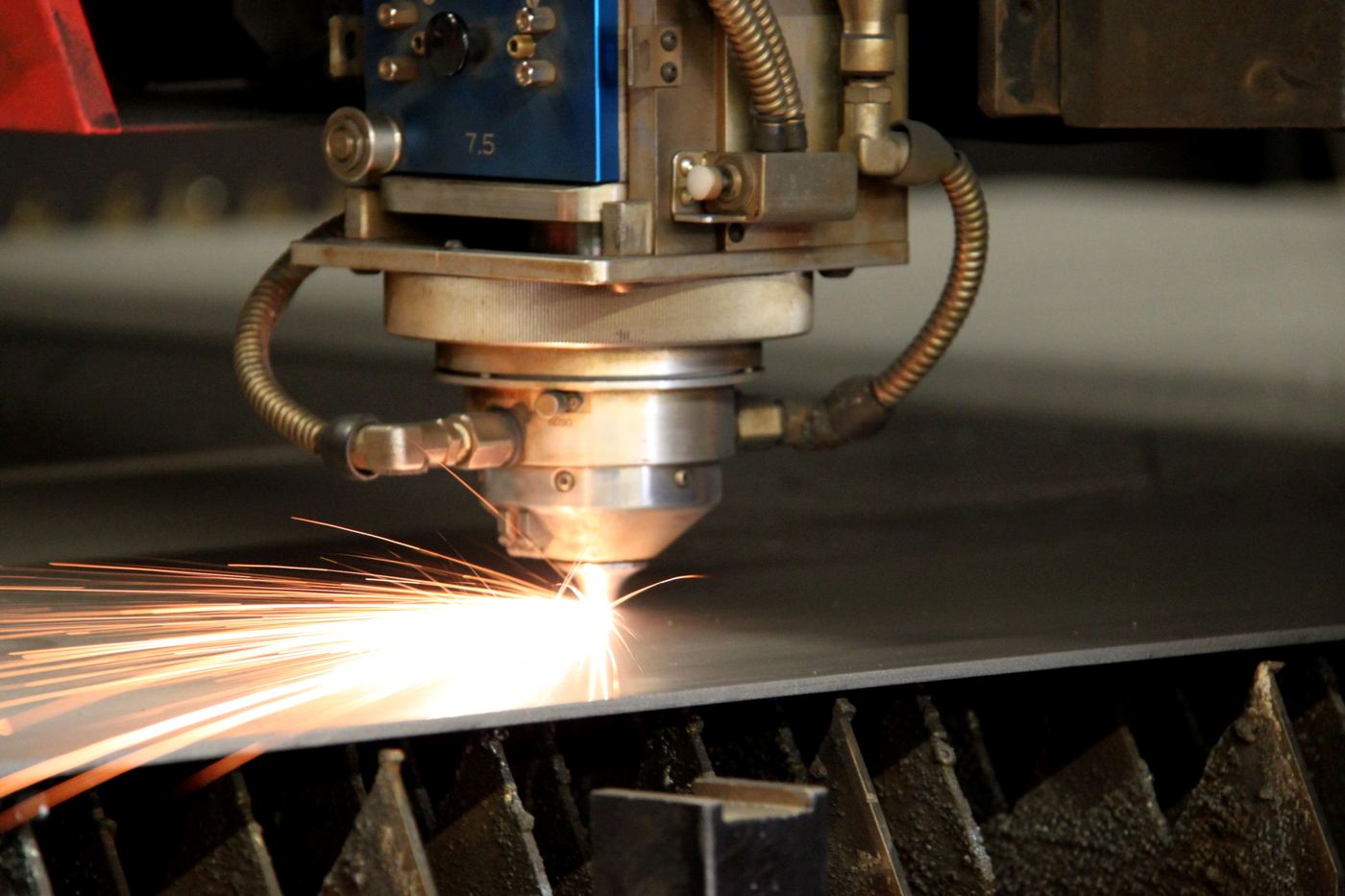
Laser cutting turns a DXF into finished flat parts with clean edges and tight holes. It's the default for brackets, panels, gussets and sign faces in sheet and light plate. We source the material and coordinate the cut through our supply network, and the parts arrive ready to bend, weld or finish.
What laser cutting does well
Fiber lasers are fast and accurate on thin and mid-thickness material. They cut detailed profiles, small holes, slots and tabs that plasma can't hold, with a narrow kerf that lets parts nest tightly and waste less of the sheet. For production runs of brackets or panels, laser is usually the lowest cost per part.
It works on carbon steel sheet and plate, stainless sheet, and aluminum sheet. Galvanized cuts too, though the zinc burns back slightly at the edge.
Materials and thickness
Laser is at its best from thin gauge up to about 1/2". Higher-power machines cut mild steel to around 1", with stainless and aluminum usually topping out thinner. Past that range, cut speed drops and edge quality falls off, and plasma or waterjet becomes the better call.
Copper and brass are reflective and harder to laser. Some machines handle thin gauges, many shops won't. Waterjet is the reliable route for those metals.
Tolerances and edge quality
On sheet, laser commonly holds around ±0.005" to ±0.010" on profile and hole position. The edge is smooth with a small heat-affected zone. Carbon steel cut with oxygen assist carries a thin oxide layer on the edge, which can cause paint and powder coat to flake; nitrogen-assist cuts avoid that and are the norm on stainless and aluminum. If your parts get powder coated, mention it.
As a rule of thumb, keep hole diameters at or above the material thickness. Smaller holes can be cut but may come out tapered or rough, and drilling them after is often cleaner.
Files we need
Send a DXF or DWG at 1:1 scale with units stated. Keep one part per file or clearly separated, with closed contours and no duplicate or overlapping lines. Remove title blocks, dimensions and text you don't want cut. A PDF drawing helps for checking, and a STEP file is useful if the part gets bent after.
List the material, grade, thickness and quantity for each part. If you want engraved part numbers or bend lines etched, say so.
When laser is the wrong method
Thick carbon plate over an inch goes to plasma cutting. Thick aluminum, copper, brass, and parts where any heat-affected edge is a problem go to waterjet cutting. Simple rectangles in sheet cost less on a shear.